Sponsored byStoreLauncher- AI store with expert polish—products, br...Learn more about StoreLauncher
Sponsored byStoreLauncher- AI store with expert polish—products, br...Learn more about StoreLauncher
Sponsored byStoreLauncher- AI store with expert polish—products, branding, and sales pa...Learn more about StoreLauncher

Ask on Video
About Tool:
Ask AI about videos; get instant answers
Date Added:
2025-05-03
Tool Category:
Video Q&A
Share Tool:

Embed Badges

Ask on Video Product Information
Ask on Video: Seamless AI-Powered Video Comprehension
Ask on Video is a revolutionary browser extension that empowers users to unlock deeper understanding from their video content. Leveraging the power of GPT-4Vision AI, this tool allows for effortless querying of video frames, directly within your preferred video platform like YouTube.
Features
- 1-Click Capture & Ask: Capture a video frame with a single click of the extension's ICON or a convenient keyboard shortcut.
- AI-Powered Question Answering: Pose questions about the captured frame to the GPT-4Vision AI, receiving insightful answers directly related to the visual content.
- Multi-Disciplinary Knowledge: The AI boasts comprehensive comprehension capabilities spanning Mathematics, Economics, and Programming, among other topics.
- Seamless Integration: Enjoy uninterrupted video viewing; no need to navigate away from your video to access information.
- Directly Linked Responses: The AI's responses are directly tied to the specific frame analyzed, providing contextually relevant information.
Benefits
- Enhanced Learning: Gain a richer understanding of educational videos, lectures, and tutorials.
- Improved Productivity: Quickly extract crucial information from professional videos and presentations.
- Elevated Entertainment: Explore video content more deeply, uncovering hidden details and enriching your viewing experience.
- Time-Saving Efficiency: Access information quickly and easily without interrupting your workflow.
- Contextual Understanding: Receive precise answers tailored to the specific visual content of the video.
Use Cases
- Students: Clarify complex concepts in educational videos.
- Professionals: Quickly extract key information from industry presentations and webinars.
- Researchers: Analyze visual data within research videos and documentaries.
- Casual Viewers: Enhance understanding and engagement with their favorite video content.
Ask on Video provides an intuitive and powerful way to interact with video content, transforming passive viewing into an active learning experience.
More tools like Ask on Video

Audio2Video
Transform any audio into stunning videos automatically, fast, simple, and AI-powered
🎥 Audio to video

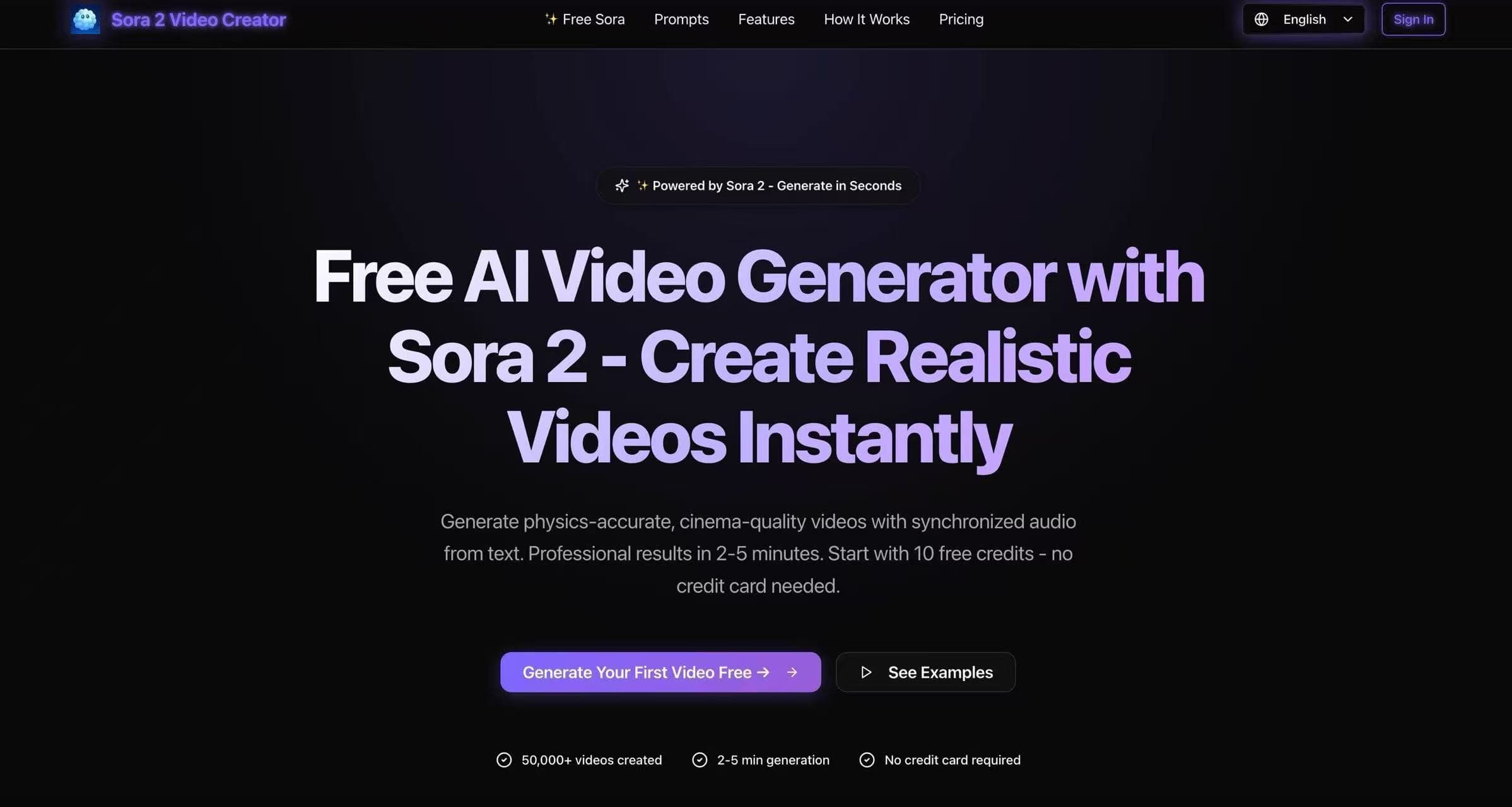
Sora 2 Video Creator
Free AI Video Generator with Sora 2 - Create Realistic Videos Instantly
AI Video Maker